

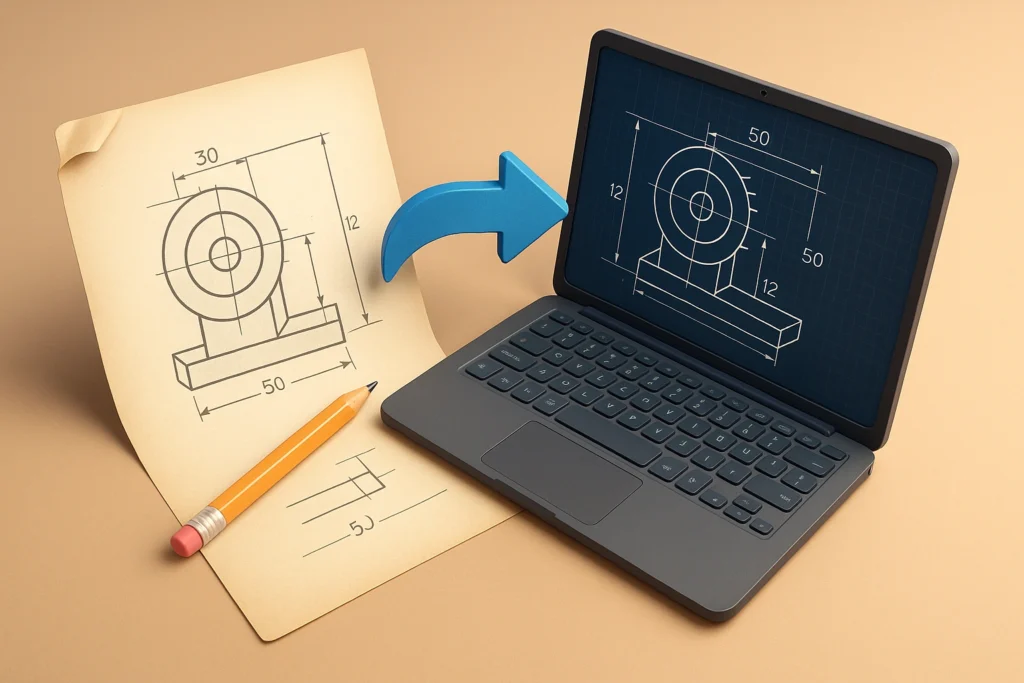
The rise of digital technology has changed how design fields work, from building and engineering to construction and manufacturing. As businesses move toward smarter processes and unified systems, it’s important that files can be opened and used by everyone. One of the main technologies that makes this change possible is the DWG adapter, which is very important for speeding up design processes and making it easier for people to work together on different platforms.
Bridging Legacy Systems With Modern Tools
Many organizations still rely on legacy CAD files stored in DWG format. While DWG is widely used, not all modern tools and platforms support it seamlessly. This creates challenges when teams attempt to adopt cloud-based systems, data sharing tools, or advanced design software.
A DWG converter acts as a bridge between older file formats and newer technologies. Converting DWG files into formats such as PDF, DXF, or image files allows businesses to continue using valuable legacy data without being restricted by outdated systems. This capability ensures a smoother transition into digital ecosystems without losing important design information.
Enabling Seamless Collaboration
Digital transformation emphasizes collaboration across teams, departments, and even geographic locations. Designers, engineers, and stakeholders often use different tools, making file compatibility a critical issue.
Using a DWG converter makes it easier to share designs with non-CAD users. For example, converting DWG files into PDFs allows project managers or clients to review designs without specialized software. This accessibility improves communication, reduces misunderstandings, and speeds up decision-making processes.
Moreover, cloud-based collaboration platforms benefit greatly from converted files, as they are easier to upload, view, and annotate. This supports real-time teamwork and aligns with modern digital workflows.
Improving Workflow Efficiency
One of the main goals of going digital is to be more efficient, and file transfer is a big part of that. Manual file handling, repeated redesign, or compatibility errors can slow down projects and increase costs.
A DWG converter automates the process of transforming files into usable formats. Batch conversion features allow multiple files to be processed simultaneously, saving time and effort. This automation reduces the risk of human error and ensures consistency across all documents.
As a result, teams can focus more on design innovation rather than dealing with technical barriers, which ultimately enhances productivity.
Supporting Data Integration and Analysis
Modern design environments rely heavily on data integration and analytics. Files need to be compatible with various systems such as project management tools, simulation software, and documentation platforms.
Converted DWG files can be easily integrated into these systems, enabling better data flow across the organization. For example, converting DWG files into formats compatible with Building Information Modeling systems allows for more advanced analysis and visualization.
This integration supports smarter decision-making, as teams can access and analyze design data more effectively within a unified digital environment.
Enhancing Accessibility and Mobility
With the rise of remote work and mobile access, design files must be accessible anytime and anywhere. DWG files alone may not be ideal for mobile viewing or quick sharing.
By using a DWG converter, files can be transformed into lightweight and universally supported formats. This makes it easier for professionals to access designs on tablets, smartphones, or web browsers. Enhanced accessibility ensures that team members remain connected and informed regardless of their location.
This flexibility is a cornerstone of digital transformation, enabling organizations to operate more dynamically and respond quickly to project demands.
Ensuring Long-Term File Preservation
Digital transformation is not only about current efficiency but also about future readiness. File preservation and long-term accessibility are critical for maintaining design archives.
A DWG converter helps preserve files by converting them into widely supported formats that are less likely to become obsolete. This ensures that designs remain accessible for future use, audits, or modifications.
Organizations can build a more sustainable digital infrastructure by safeguarding their design assets against technological changes.
Conclusion
DWG conversion is a fundamental component of digital transformation in the design industry. Enabling compatibility, improving collaboration, and enhancing efficiency allows organizations to fully embrace modern technologies. The role of a DWG converter goes beyond simple file transformation, as it supports a connected, flexible, and future-ready design environment.