

Table of Contents
Guiformat has become one of the most trusted tools for formatting storage devices into the FAT32 file system. Many users choose it because Windows built-in formatting tools do not allow FAT32 formatting for drives larger than 32GB. This limitation creates problems for people who need FAT32 compatibility for gaming consoles, smart TVs, cameras, media players, and firmware updates.
Although many disk formatting utilities are available today, Guiformat remains one of the most popular choices because of its simplicity, speed, portability, and reliability. It focuses specifically on FAT32 formatting and performs the task efficiently without unnecessary complexity.
For users comparing different formatting tools, understanding why Guiformat stands out can help them decide whether it is the right solution for their needs.
Simple and Easy-to-Use Interface
One of the biggest reasons people choose Guiformat over other tools is its simplicity. Many disk management programs include advanced technical features that can confuse beginners. Some tools contain complicated menus, partition controls, recovery settings, and multiple formatting options that are difficult for average users to understand.
Guiformat takes a completely different approach. The software focuses on a single purpose, which is formatting storage devices into FAT32. Its interface is clean, lightweight, and easy to navigate. Users simply select the drive, choose formatting settings, and start the process.
Because of this straightforward design, even users with little technical knowledge can use Guiformat comfortably.
Supports Large FAT32 Drives
The most important advantage of Guiformat is its ability to format drives larger than 32GB into FAT32. Windows built-in formatting tools artificially restrict FAT32 formatting for large drives, even though FAT32 itself supports much larger partitions.
Many alternative formatting tools either lack proper FAT32 support or make the process more complicated. Guiformat solves the issue directly and efficiently. Users can format 64GB, 128GB, or even larger USB drives and external hard disks into FAT32 without difficulty.
This feature alone makes Guiformat more attractive than many other formatting utilities.
Lightweight and Portable
Another major reason users choose Guiformat is its lightweight design. The software is very small in size and does not require installation. Users can simply download the executable file and run it immediately.
Many other formatting tools require full installation procedures, background services, or additional software components. These programs may consume more system resources and clutter the computer with unnecessary files.
Guiformat avoids these issues by remaining portable and simple. Technicians and IT professionals especially appreciate this because they can carry the tool on a USB drive and use it on multiple computers without installation.
Fast Formatting Performance
Speed is another area where Guiformat performs extremely well. The software can format large drives quickly, especially when using the quick format option.
Some advanced disk utilities perform additional checks and operations that slow down the formatting process. Guiformat focuses mainly on creating FAT32 partitions efficiently, which allows it to complete tasks faster in many situations.
Users who regularly prepare USB drives, SD cards, or external storage devices often prefer Guiformat because it saves time.
Excellent Device Compatibility
Many people choose Guiformat because FAT32 offers excellent compatibility across devices. Gaming consoles, smart TVs, cameras, multimedia players, and embedded systems often work best with FAT32-formatted drives.
Some devices cannot properly recognize NTFS or exFAT drives, especially older hardware. Guiformat helps users maintain maximum compatibility by allowing them to create FAT32 partitions on large storage devices.
Gamers frequently use Guiformat for PlayStation systems, Xbox consoles, retro gaming devices, and emulator setups. Firmware update tools for routers and motherboards also commonly require FAT32 USB drives.
Because compatibility is so important, Guiformat continues to be preferred over many other tools.
Focused Functionality
Many formatting tools try to include too many features. They may combine partition management, recovery functions, cloning tools, backup systems, and advanced configuration settings into one large software package.
While these features can be useful for advanced users, they often make the software more complicated and less efficient for simple formatting tasks.
Guiformat remains focused on FAT32 formatting only. This specialization improves usability and reliability because the software performs one task extremely well instead of attempting to do everything.
Users who only need FAT32 formatting often find Guiformat more practical than large multi-purpose utilities.
Free to Use
Another important reason people choose Guiformat is that it is completely free. Many advanced formatting and partition management tools require paid licenses or subscriptions to unlock full functionality.
Guiformat provides its FAT32 formatting features without charging users. This makes it accessible to students, gamers, home users, and technicians alike.
Free availability combined with strong performance has helped the software build a large and loyal user base.
Trusted by Gaming Communities
The gaming community has played a major role in Guiformat’s popularity. Many gaming consoles and retro systems depend on FAT32 compatibility for updates, file transfers, and media playback.
Gamers frequently recommend Guiformat because it reliably formats large USB drives into FAT32 without complications. Emulator users and retro gaming enthusiasts also rely on the software for preparing compatible storage devices.
This widespread community trust has helped Guiformat stand out from many competing tools.
Reliable and Stable Performance
Reliability is another reason users choose Guiformat over other formatting utilities. The software has been used for many years and has built a strong reputation for stable performance.
Some advanced formatting tools may crash, freeze, or create compatibility issues because of their complexity. Guiformat’s focused design reduces the likelihood of such problems.
Users appreciate that the software performs formatting tasks consistently without unnecessary errors or system modifications.
Better Than Built-In Windows Formatting
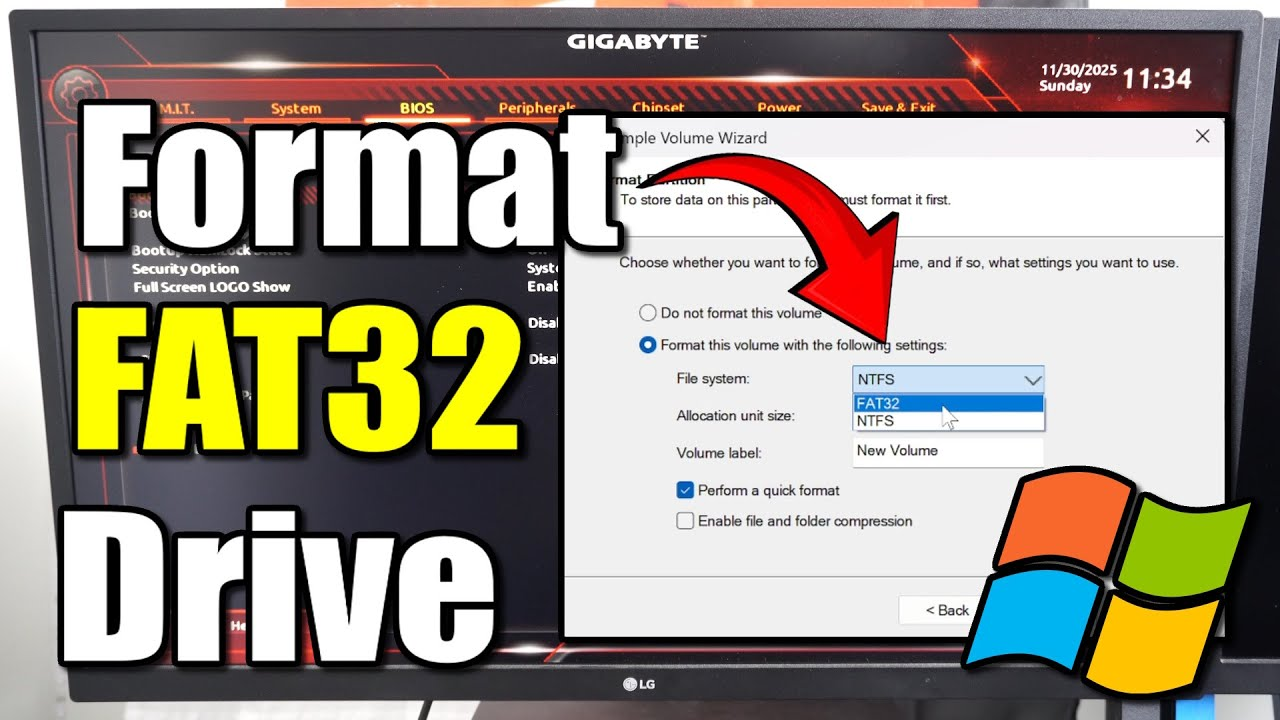
Although Windows includes formatting tools, they are limited when it comes to FAT32 support. Windows only allows FAT32 formatting on drives smaller than 32GB through its graphical interface.
Guiformat removes this restriction and gives users greater flexibility. Instead of forcing users to switch to NTFS or exFAT, it allows them to continue using FAT32 for compatibility purposes.
For many users, this capability alone makes Guiformat far more useful than the default Windows formatter.
Useful for Firmware and Embedded Systems
Firmware updates for routers, BIOS systems, smart devices, and embedded hardware often require FAT32-formatted USB drives. Many of these systems cannot recognize NTFS drives properly.
Guiformat is commonly used by technicians and advanced users for preparing firmware installation drives because it creates FAT32 partitions quickly and reliably.
This practical usefulness has made the software especially valuable in technical environments.
Limitations Compared to Other Tools
Although Guiformat has many advantages, it also has some limitations compared to advanced disk management software.
The program focuses mainly on FAT32 formatting and does not provide advanced features like partition resizing, disk cloning, recovery tools, or encryption management.
Some professional users may require more comprehensive disk utilities for complex storage management tasks. However, for straightforward FAT32 formatting, many users prefer Guiformat because it avoids unnecessary complexity.
FAT32 Limitations Still Apply
Even though Guiformat performs FAT32 formatting effectively, the limitations of the FAT32 file system still remain.
The most significant limitation is the 4GB maximum file size. FAT32 cannot store individual files larger than 4GB. This can be problematic for large video files, software backups, and modern games.
Despite this drawback, FAT32 continues to be highly valued because of its compatibility with older and specialized devices.
Why Guiformat Remains Popular Today
Guiformat continues to remain popular because it solves a problem that still exists in modern Windows systems. Many users still need FAT32 compatibility for gaming consoles, multimedia systems, firmware updates, and embedded devices.
The software’s lightweight design, fast performance, ease of use, and reliability ensure that it remains relevant even in an era of newer file systems.
As long as users need simple FAT32 formatting for large drives, Guiformat will continue to be one of the best available options.
Conclusion
Guiformat stands out from other formatting tools because of its simplicity, speed, portability, and ability to format large drives into FAT32. Unlike many advanced disk utilities that include unnecessary complexity, Guiformat focuses entirely on FAT32 formatting and performs the task efficiently.
Its lightweight and portable design make it convenient for both beginners and professionals. The software’s strong compatibility with gaming consoles, smart TVs, firmware systems, and multimedia devices has made it extremely popular worldwide.
